
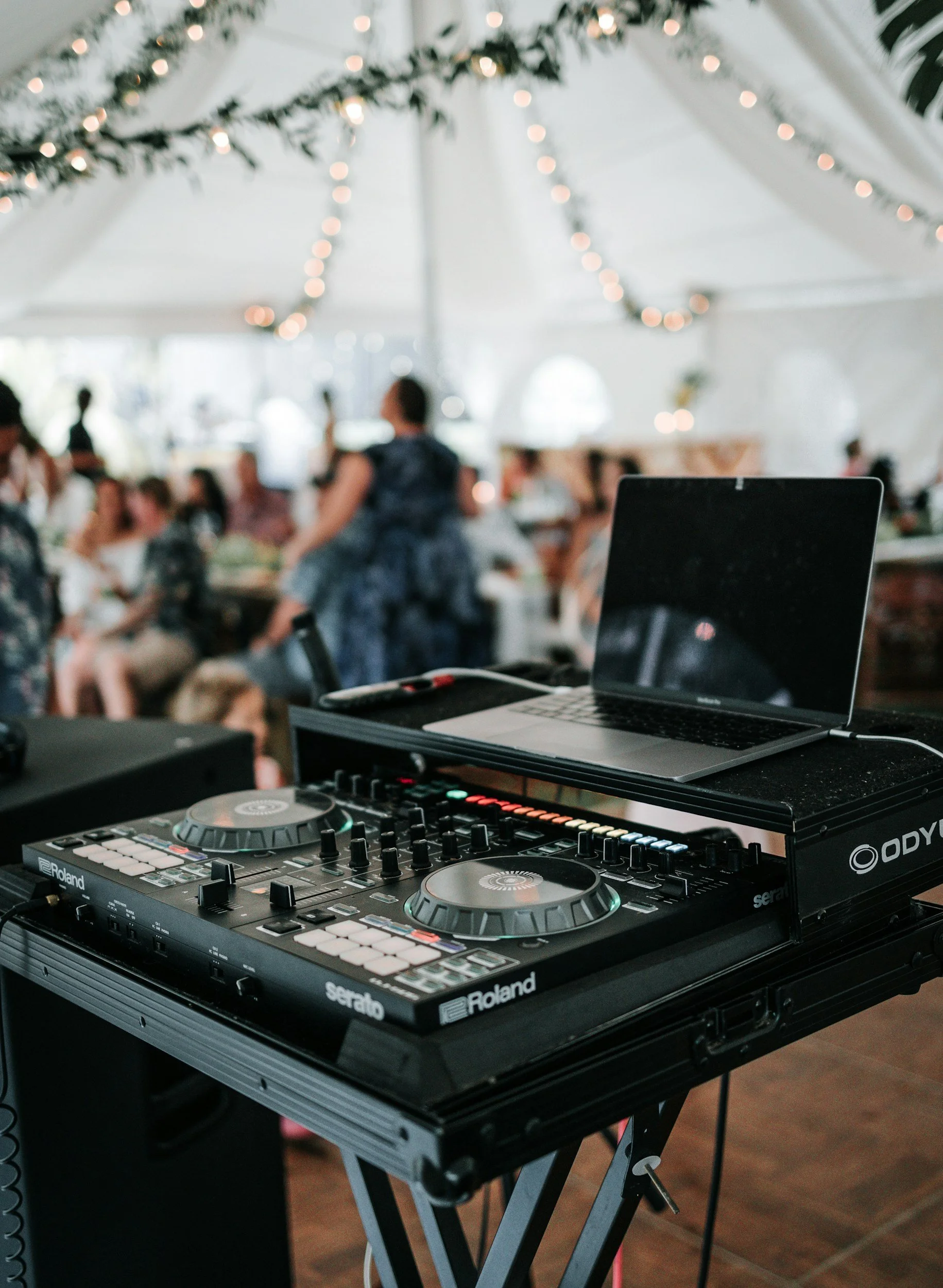
A beautiful ceremony can be frustrating for guests if they cannot hear the vows. Wind, traffic, room echo, poor speaker placement, and missed music cues can interfere even when the ceremony space looks quiet during setup.
A complete wedding ceremony sound plan should cover spoken audio, music, power, accessibility, and the people responsible for operating the equipment. Confirm these details with the venue, officiant, musicians, DJ, and planner well before the wedding.
Decide Who Is Responsible for Ceremony Sound
Do not assume the venue, DJ, band, or officiant will automatically provide and operate the ceremony equipment.
Assign one person or company to take responsibility for:
Supplying microphones and speakers
Setting up the equipment
Running electrical cables safely
Testing every microphone
Playing recorded music
Cueing musicians
Monitoring volume during the ceremony
Providing backup equipment
Packing up after the ceremony
If the reception DJ is handling ceremony sound, confirm that ceremony coverage appears in the contract. Ask whether additional speakers, travel time, setup hours, or a second sound system will cost extra.
The person controlling the sound should not also be walking in the processional or performing another ceremony role.
Choose the Right Microphones
Most ceremonies need more than one microphone. The setup depends on the ceremony layout, number of speakers, and whether the event is indoors or outdoors.
Officiant Microphone
A wireless lapel or headset microphone can keep the officiant’s hands free. Ask whether it will also pick up the couple’s vows when they stand nearby.
One officiant microphone may work for a short ceremony, but it may not capture soft voices clearly. Private vows spoken quietly may require a separate microphone or careful placement.
Couple’s Microphone
A microphone on a stand can be positioned near the couple for vows. It should not block faces in photographs or require either person to lean forward awkwardly.
A handheld microphone may provide clearer control, but the couple must remember when to hold, pass, and lower it. Practice this during the rehearsal.
Reader and Musician Microphones
Readers should have a microphone at the lectern or reading position. Musicians and singers may need separate microphones or instrument connections.
Ask each performer what equipment is required. An acoustic instrument that sounds loud in a small room may be difficult to hear at an outdoor ceremony.
Confirm Speaker Placement
Speakers should distribute sound across the guest seating area without creating harsh volume near the front row.
Ask the sound provider:
How many speakers are needed?
Where will they be placed?
Will every seating section receive clear sound?
Can stands and cables be kept out of walkways?
Will the equipment interfere with photographs?
Is a separate monitor needed for musicians?
How will wind or room echo affect the setup?
For long aisles, wide seating arrangements, or large guest lists, one speaker near the altar may not be enough. The sound professional should assess the actual space rather than relying only on photographs.
Prepare Every Music Cue
Create a ceremony music list in the exact order songs will be used. Include:
Guest arrival or prelude music
Seating of parents or grandparents
Wedding-party processional
Couple’s entrance
Music during rituals or readings
Recessional
Post-ceremony music
For every cue, record the song title, performer or recording version, starting point, and ending instruction. Two recordings with the same title may have different introductions, tempos, or lyrics.
Clarify whether a processional song should fade after everyone reaches the front or continue to a specific point. If several groups enter during one song, estimate how long each entrance will take.
Provide downloaded audio files when possible instead of depending on an internet connection or streaming service. The person playing the music should have the correct files in the final order and a backup copy.
Coordinate Live Musicians With the Sound Team
Live musicians need clear visual or verbal cues. Decide who signals the beginning and end of each selection.
Confirm:
Musician arrival and setup time
Power and amplification needs
Chairs, stands, and lighting
Protection from sun, rain, cold, or heat
Where cases and personal items will be stored
Whether recorded backup music is available
How the musicians will know when each group is ready
Outdoor conditions can affect delicate instruments and electronic equipment. Ask musicians what weather limitations appear in their contracts and when a covered or indoor backup location must be used.
Plan for Outdoor Ceremony Sound
Outdoor ceremonies present problems that may not exist inside a ballroom or house of worship. Wind can strike microphones, nearby roads can become unexpectedly loud, and electrical outlets may be far from the ceremony area.
Confirm:
Access to safe electrical power
Extension-cord and cable protection
Battery capacity
Wind protection for microphones
Weather-resistant equipment covers
Generator placement and noise
The rain-plan location
How quickly equipment can be moved
Whether local sound restrictions apply
Battery-powered equipment should be fully charged, but batteries should not be the only backup plan. Ask what happens if a wireless microphone loses its signal or a speaker stops working.
Schedule a Full Sound Check
A sound check should happen after the equipment is positioned and before guests arrive. Testing equipment in an empty storage room is not enough.
During the check:
Test every microphone separately.
Have someone speak at a natural volume.
Walk through the front, middle, back, and sides of the seating area.
Play every ceremony song.
Check live instruments and vocals.
Listen for hum, feedback, distortion, and signal loss.
Confirm backup microphones and music files.
Test the rain-plan space when practical.
The ceremony rehearsal may occur before the full sound system is available. If so, practice microphone handling and music timing during the rehearsal, then repeat the technical check on the wedding day.
Ask Guests About Hearing Accessibility
Clear speakers do not solve every hearing-accessibility need. Ask about accommodations privately through the RSVP process or provide a contact for accessibility requests.
Depending on the venue and guest needs, options may include:
Assistive listening devices
An induction hearing loop
FM or infrared listening systems
Reserved seating with a clear view
Printed ceremony programs
Written readings or vow text
Real-time captioning
A qualified sign language interpreter
Do not assume that front-row seating replaces an assistive listening system. A guest may need both a clear view and a direct audio feed.
The U.S. Department of Justice explains that effective communication can include assistive listening systems, captioning, and other auxiliary aids. Accessibility requirements depend on the venue, its sound system, the type of space, and the requested accommodation. Ask the venue what it already provides and who is responsible for arranging anything additional.
Test Assistive Listening Equipment
If the venue provides listening devices, confirm that they work with the ceremony sound system rather than only the reception system.
Before guests arrive:
Charge or replace batteries.
Test receivers from several seats.
Confirm compatibility with hearing aids when applicable.
Provide clean earpieces or headphones.
Place a sign where guests can request a device.
Assign someone who knows how to distribute and operate them.
Explain where devices should be returned.
The U.S. Access Board notes that assistive listening systems may use induction loop, FM, infrared, or wired technology. Each works differently, so a sound professional may be needed for a large, outdoor, or technically complex ceremony.
Create a Ceremony Sound Cue Sheet
The sound operator should receive one final document containing:
Ceremony start time
Names and phone numbers for key contacts
Equipment setup deadline
Sound-check time
Microphone assignments
Music in exact order
Processional groups
Special readings or performances
Accessibility equipment details
Rain-plan instructions
Backup audio location
Share the same final ceremony order with the officiant, planner, musicians, and DJ. Last-minute changes should go through one designated person so the sound operator does not receive conflicting directions.
Final Wedding Ceremony Sound Checklist
Before the ceremony, confirm that:
One person or company owns the sound plan.
Ceremony audio is included in the written contract.
The officiant, couple, readers, and musicians have suitable microphones.
Speaker coverage reaches every seating area.
All music files are downloaded and backed up.
Song versions and cue points are documented.
Live musicians know who will cue them.
Power, cables, batteries, and weather protection are ready.
The rain location has an audio plan.
Accessibility requests were reviewed.
Assistive listening equipment was tested.
A backup microphone is available.
One final cue sheet was distributed.
A full sound check will occur before guests arrive.
Good ceremony sound should go largely unnoticed. Guests should be able to hear the welcome, readings, vows, and music without being distracted by feedback, sudden volume changes, or technical confusion. Careful testing and clear responsibility make that possible.
